
AI Burning Bridges Prompt: Copy and Try It Yourself
Use the built-in Burning Bridges video template, or copy this character-replacement prompt to try generating your own video with reference photos.
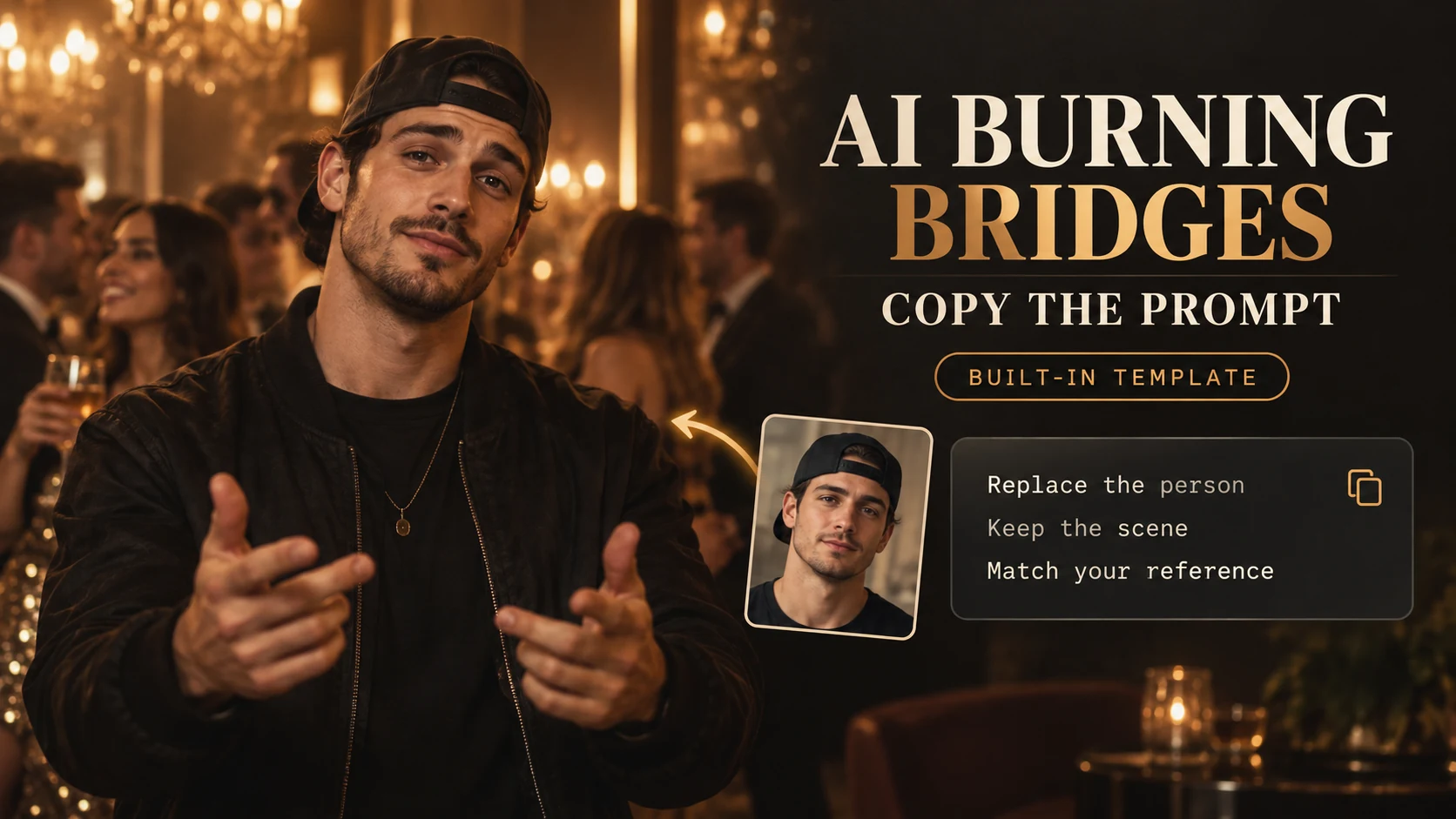
The template is already built in
You do not need to write a prompt to use our AI Burning Bridges generator. The system already includes a video template and preset instructions for the AI model. Upload your portrait, review the generation details, and confirm your video. The system supplies the reference footage and character-replacement instructions automatically.
The template gives the model the scene, movements, and camera timing to follow, while your photo provides the identity of the person to place in the video. You can preview the scene on the showcase page before generating.
Copy this prompt to try it yourself
If you want to generate a video yourself in a tool that supports video character replacement, you can copy the prompt below. Provide the original video and your reference photos alongside it.
This example targets Drake in the source clip described in the prompt. If your video features a different person, update that description so the model knows exactly who to replace.
Replace Drake (the man wearing a dark jacket and a backward black cap, facing the camera) in this video with the person from my reference photos. Keep everything else exactly the same: movements, gestures, timing, camera motion, lighting, background, and other people in the scene. Match my face, skin tone, hair, and body proportions accurately from the reference images. Keep my face consistent in every frame, follow the original head movements and lip movements naturally, and match the lighting and shadows of each shot.
How to use the prompt
- Choose a video model or editing tool that accepts a source video, reference photos, and text instructions.
- Upload the original clip and clear photos of yourself. Use evenly lit photos with visible facial features and minimal filters.
- Paste the prompt into the tool's instruction field. Check that the target person's description matches your source video.
- Generate the video, then watch the full result to check facial consistency, movement, lighting, and interactions with other people.
The prompt asks the model to preserve the original footage while replacing one person. Results depend on the model, source clip, and reference photos; the wording alone does not guarantee a perfect match in every frame.
Prefer the built-in template?
Open the generator and upload your portrait to use the ready-made workflow. The video template and model instructions are already configured, so you can generate without copying or editing a prompt.
For help choosing a photo, read the photo-to-video guide. For the upload and download steps, see the complete generation guide.